📖 How to Play Flip 7
← Back🎯 Objective
Be the first player to reach 200 points by collecting number cards without drawing a duplicate!
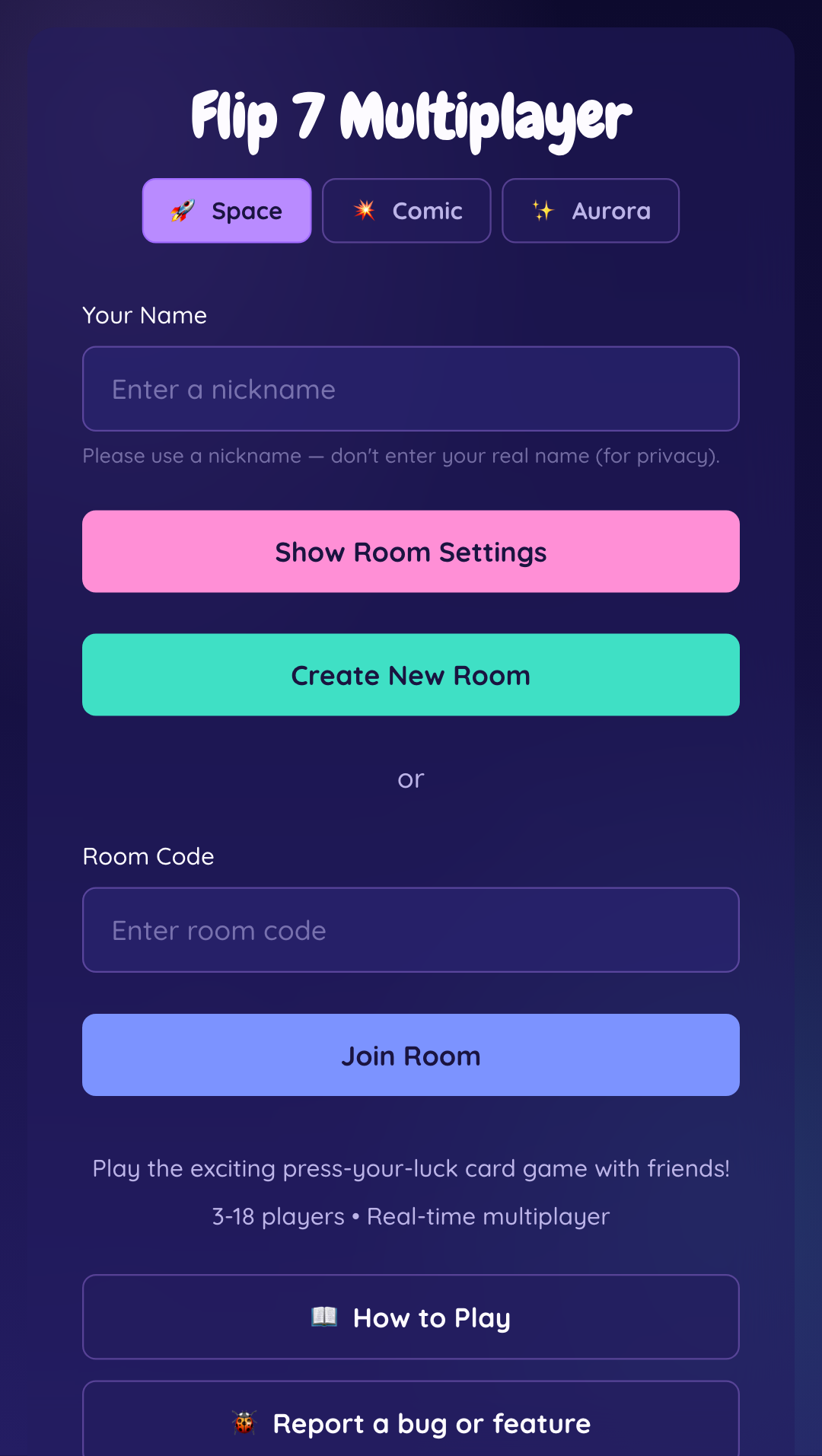
🎮 Turn Flow
1. Hit or Stay: On your turn, choose "Hit" to draw a card, or "Stay" to lock in your current cards for the round.
2. Watch for duplicates: If you draw a number you already hold, you BUST and score 0 for the round.
3. Round ends: Once every player has busted or stayed, the round scores are tallied and the next round begins.
4. Game ends: The moment any player's total reaches 200 points, they win.
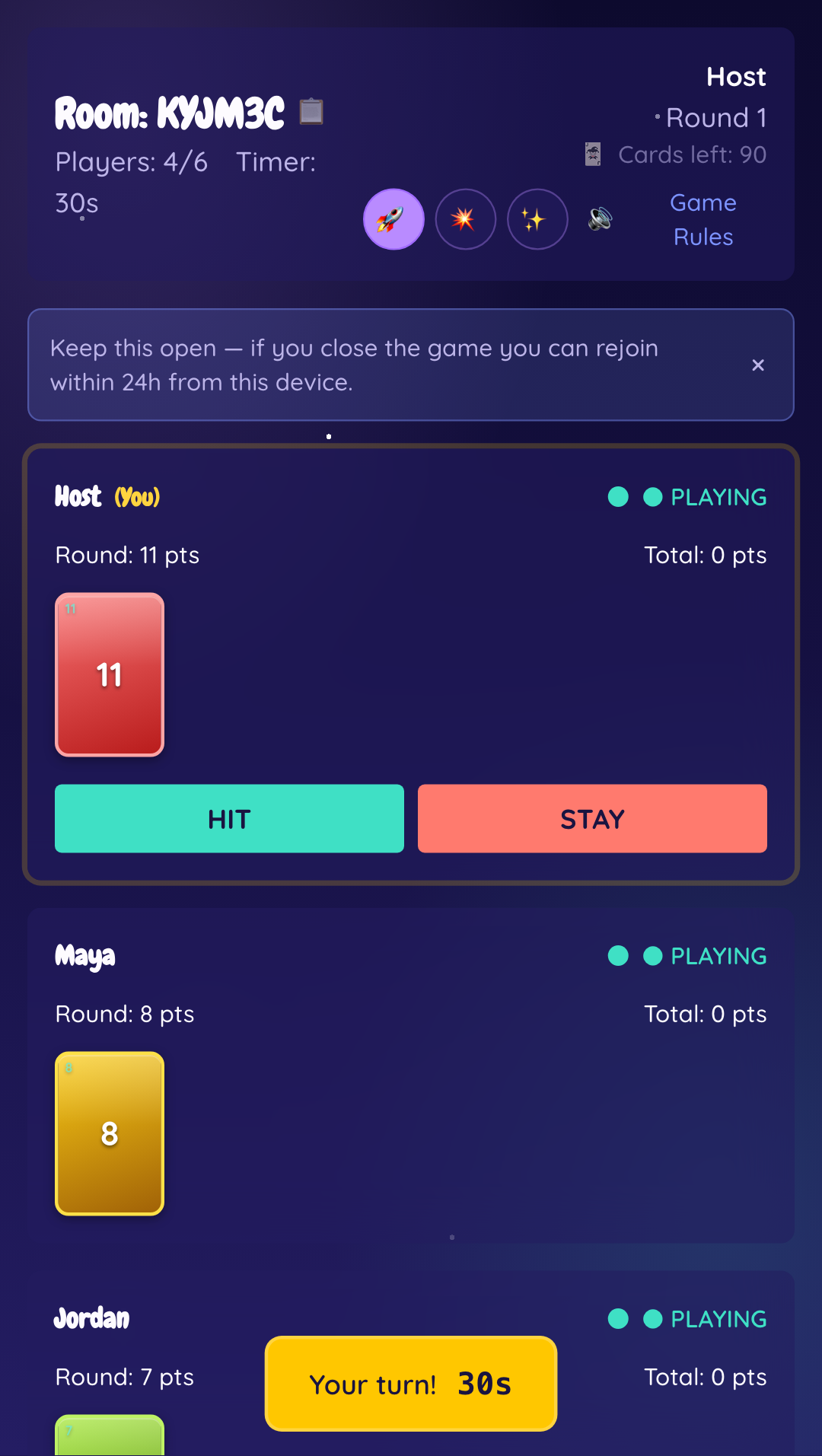
⚡ Power Cards
❄️ FREEZE
Forces a chosen player to stay immediately, locking in their current cards for the round.
🎲 FLIP 3
Forces a chosen player to draw 3 cards at once — a big risk of an instant bust.
🛡️ SECOND CHANCE
Saves you from busting exactly once — the duplicate card and this card are both discarded automatically.
🏆 The Flip 7 Bonus
Collect exactly 7 different number cards and you earn an instant +15 bonus points — and the round ends immediately for everyone.
📊 Scoring
Number cards add up to their face value.
Modifier cards (+2, +4, +6, +8, +10) add flat bonus points.
X2 doubles your number-card total (applied before flat modifiers).
Example: cards 3, 7, 12, +4, X2 → (3 + 7 + 12) × 2 + 4 = 48 pts.
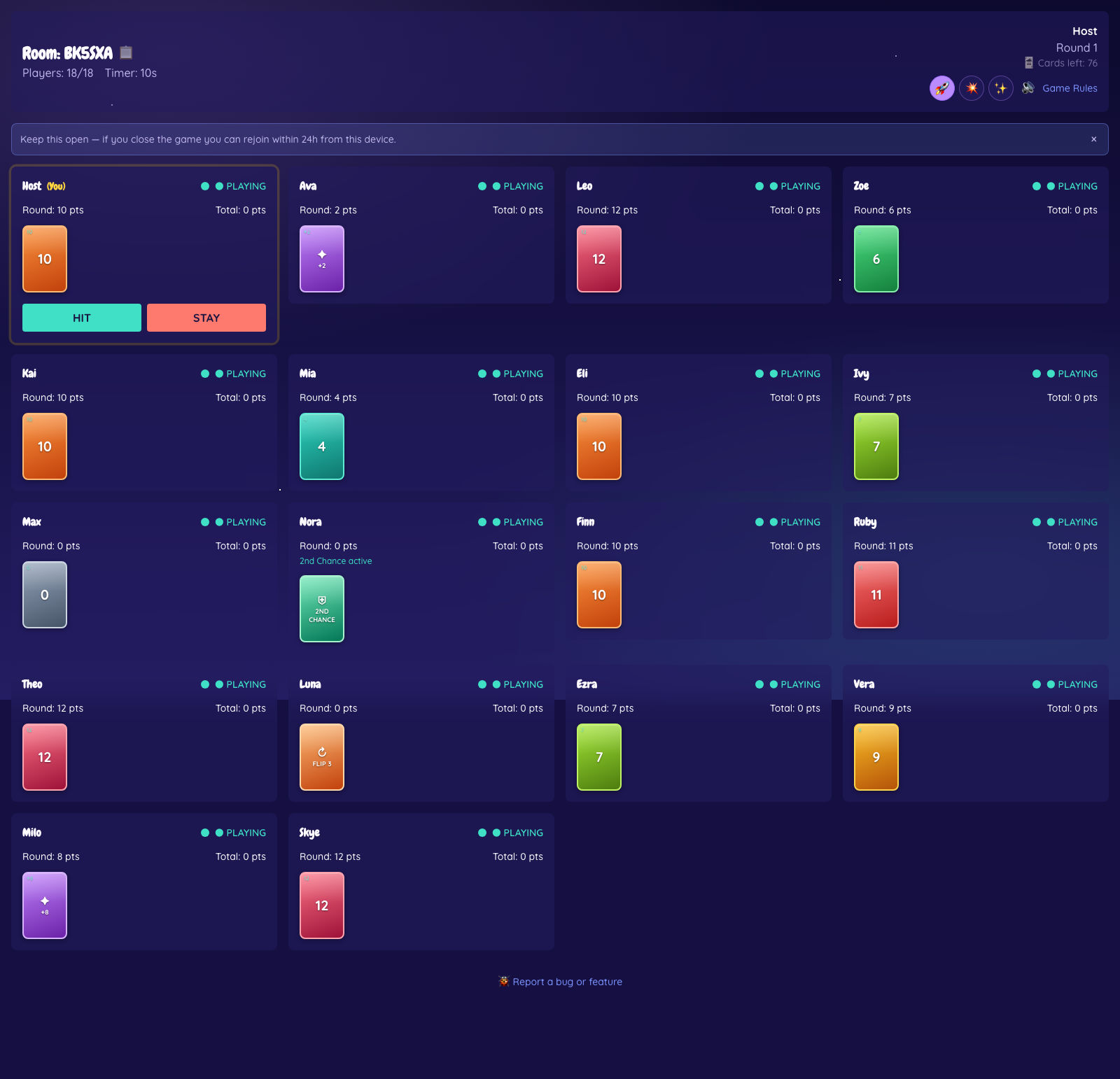
👥 Play With Up to 18 Friends
When you create a room, open Show Room Settings and pick anywhere from 2 to 18 players. Everyone joins with the room code or a shared link, and the board scales to fit the whole table.
🔊 Sound & Mute
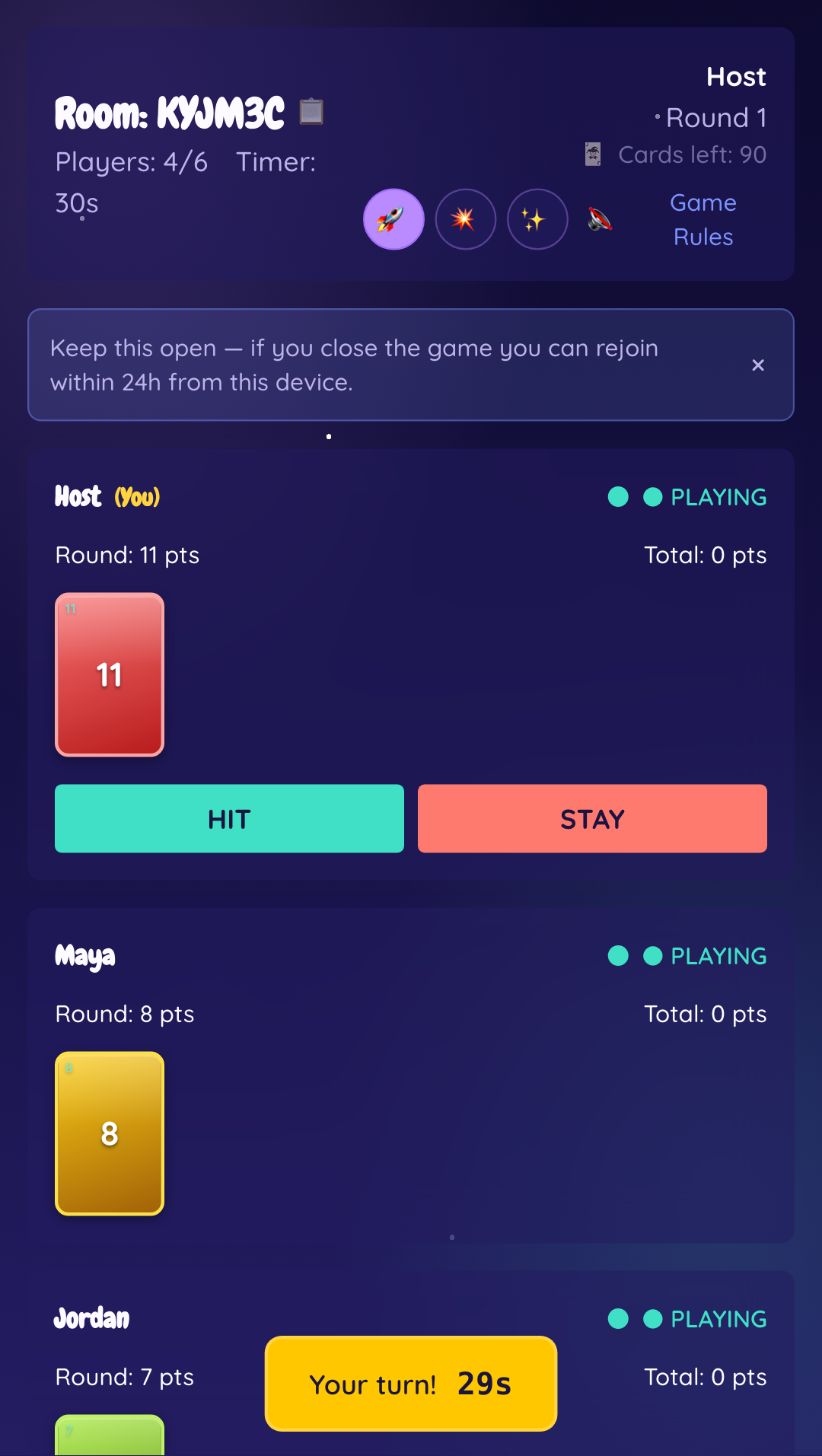
Turn cues, busts, freezes, and wins all get a short sound cue. Tap the speaker icon in the top-right of the room at any time to mute or unmute — your choice is remembered on this device.
⚠️ Closing & Rejoining
If you close the tab or your connection drops, don't worry — from the same device and browser, you can rejoin the exact same room for up to 24 hours. Just don't clear your browser data or open the link in private/incognito mode, since both wipe the saved session.
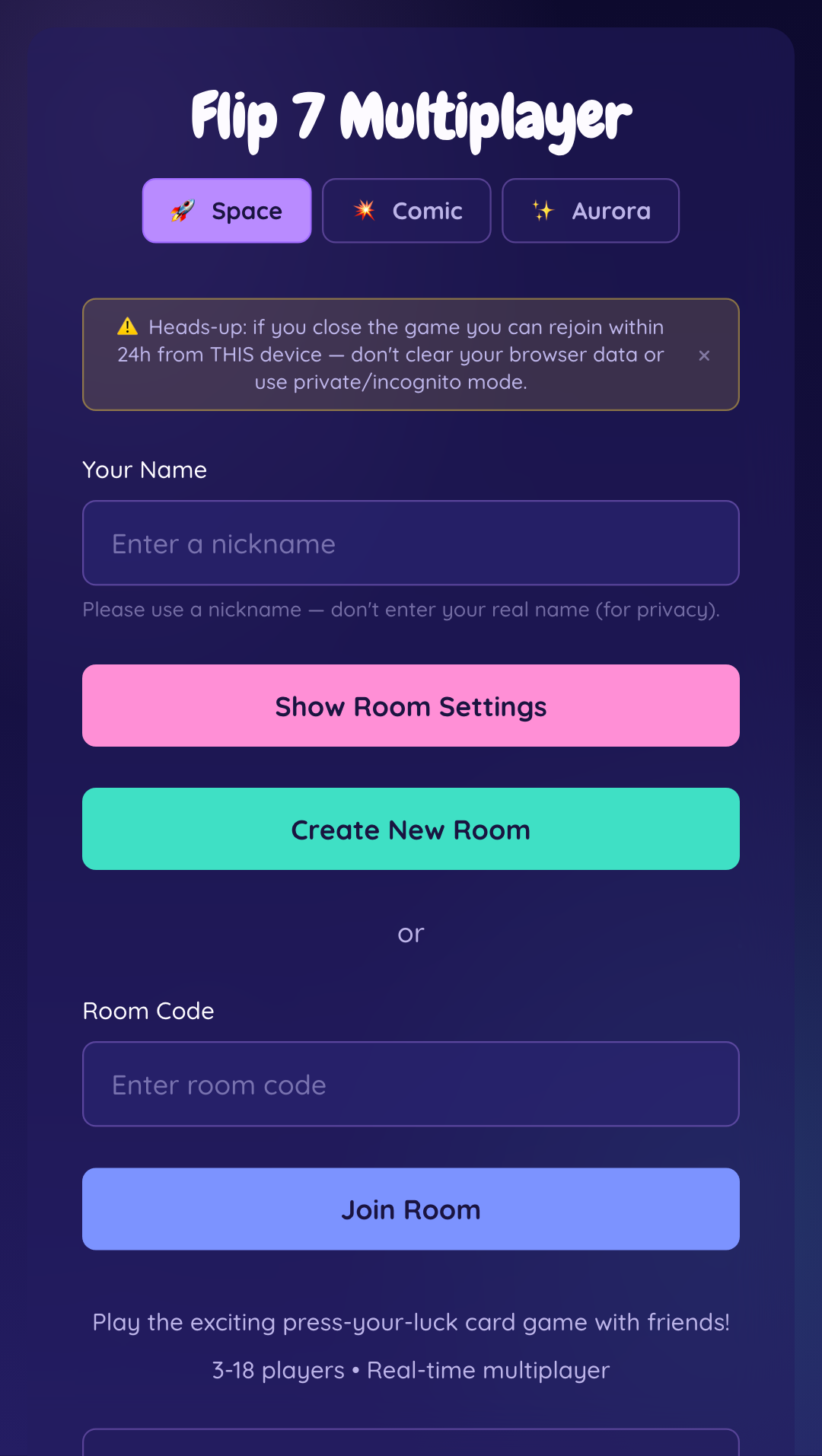
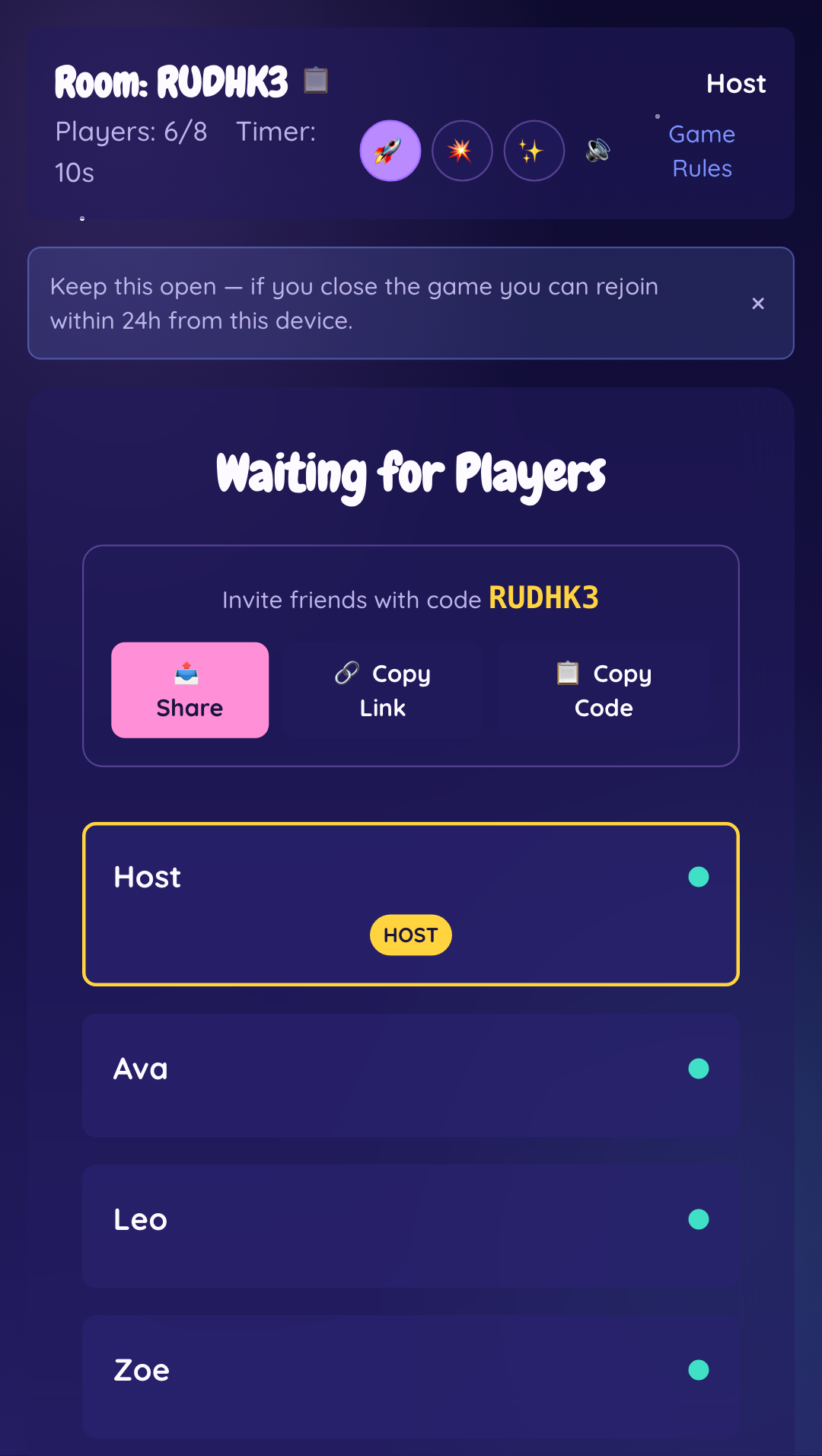
📤 Share the Room
In the waiting room, use Share, Copy Link, or Copy Code to send the room straight to friends — no typing required on their end.
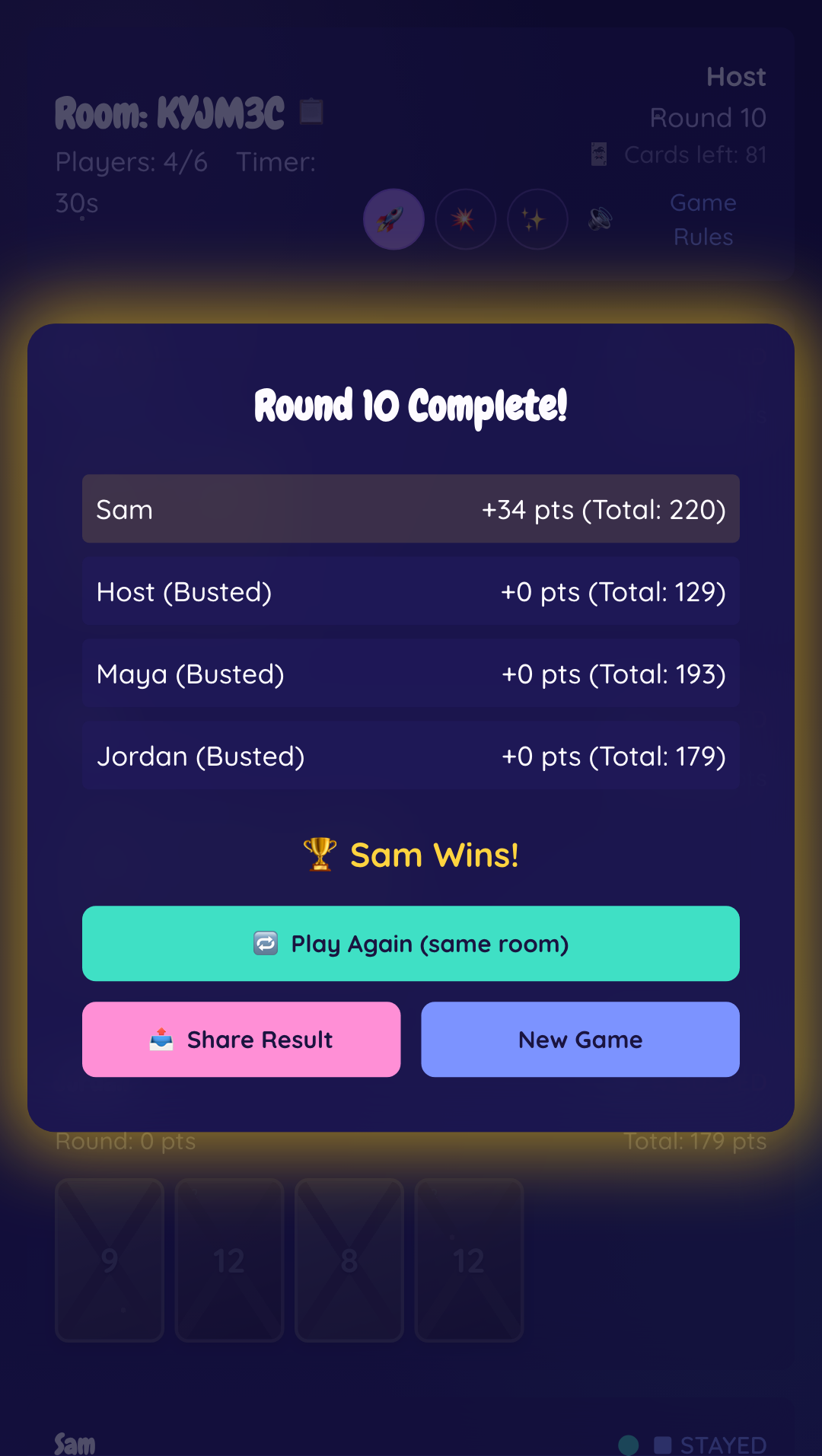
🏆 Share Your Win
When the game ends, hit 📤 Share Result on the win screen to share a snapshot of the final standings — great for bragging rights in the group chat.
💡 Quick Tips
- The more number cards you hold, the more likely your next "Hit" busts you — know when to Stay.
- Save power cards you draw for the moment they'll hurt an opponent (or save yourself) the most.
- Second Chance is worth holding onto — it turns your riskiest Hit into a free one.
- Each turn has a timer — if it runs out, you automatically Stay with your current cards.
- Use the 📤 Share button in the lobby to send the room code straight to friends.